Create
Pick Next.js, Hono, or a static site. The setup you need is already in the template.
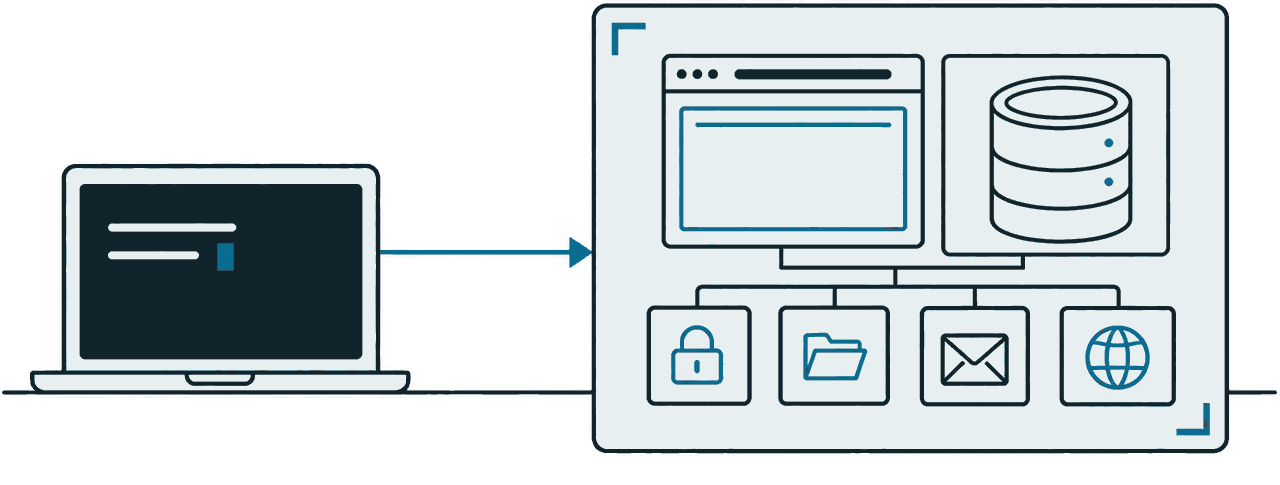
$ npm create runlot my-appHosting, PostgreSQL, login, file storage, email, and Git repositories in a single project. Ship a Next.js app or a small API without configuring a server.
| id | name | active |
|---|---|---|
| 1 | jiwoo | true |
| 2 | minseo | true |
| 3 | haneul | true |
| 4 | seojun | false |
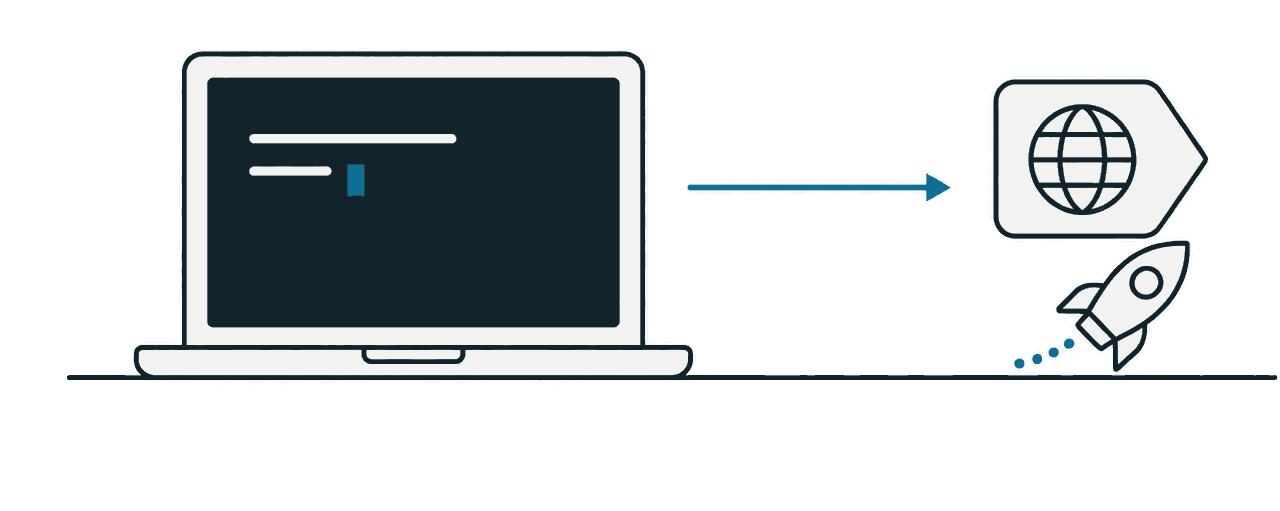
Create it, deploy it, add what you need. Three lines and you are done.
Pick Next.js, Hono, or a static site. The setup you need is already in the template.
$ npm create runlot my-appWhen the deploy finishes you get a URL that already works. There is no server for you to configure.
$ runlot deploy
→ https://my-app.me.runlot.appmy-app is the project and me is your personal organization.
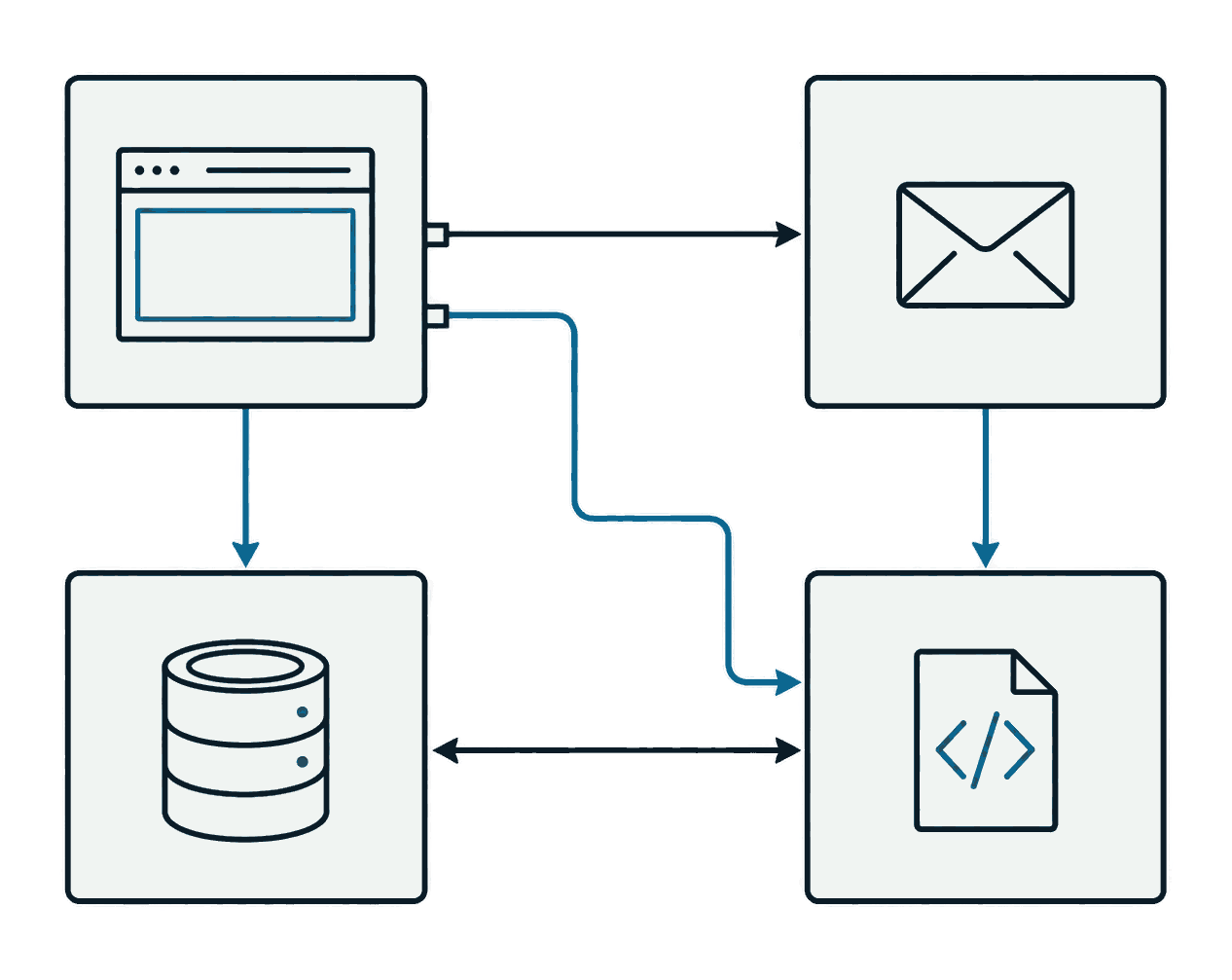
One line each in runlot.json, and the deploy creates them. Your app code reaches them through env.
{ "database": true, "auth": true, "storage": true, "email": true }
→ env.db · env.auth · env.storage · env.emailThere is no command to turn them on. Declare only the ones you need.
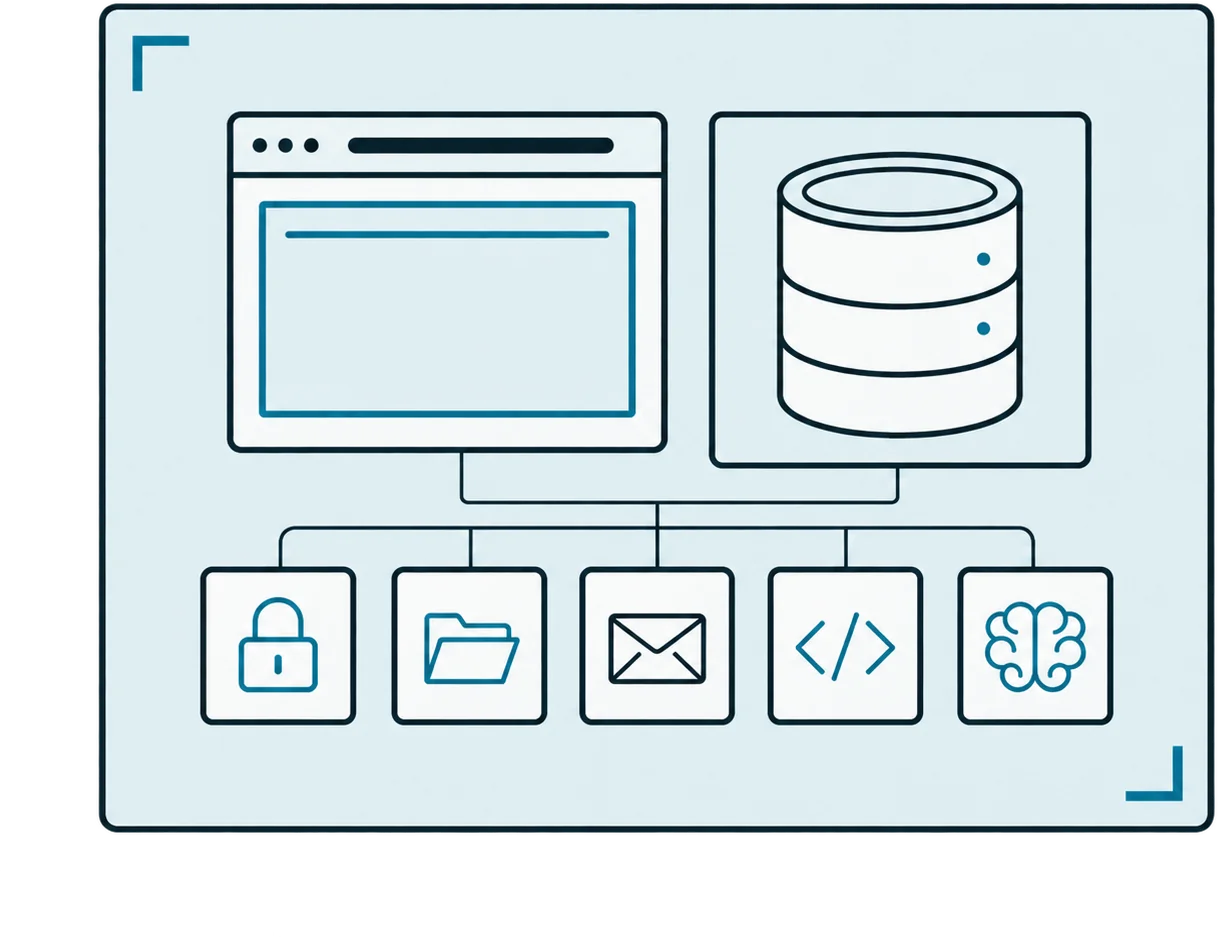
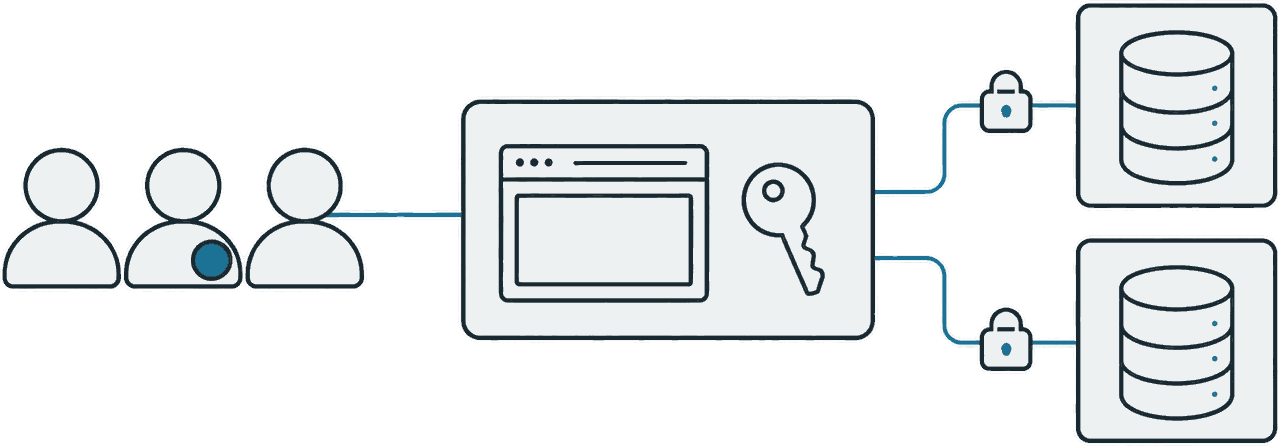
Create a project and the rest comes with it. There is nothing to sign up for separately and nothing to wire together.
The SQL and transactions you already know. Reach the same database from your app through env.db, and from your terminal through psql, pgAdmin, or the ORM you already use.
Email and social login with session handling. Identify the user in your server code and decide what their data lets them do.
Upload images and attachments, and share them through signed URLs that expire. Nothing external to connect.
Every project gets a mail address. Send with env.email.send, and mail sent to that address reaches your worker's email() handler. What went in and out is in the dashboard.
Create a repository inside the project and push over HTTPS or SSH. Commits and files are right there in the dashboard. No separate service to host your code.
Point a domain you already own at your project. Certificates are issued and renewed for you. Run the DNS zone on our nameservers, with DNSSEC if you want it.
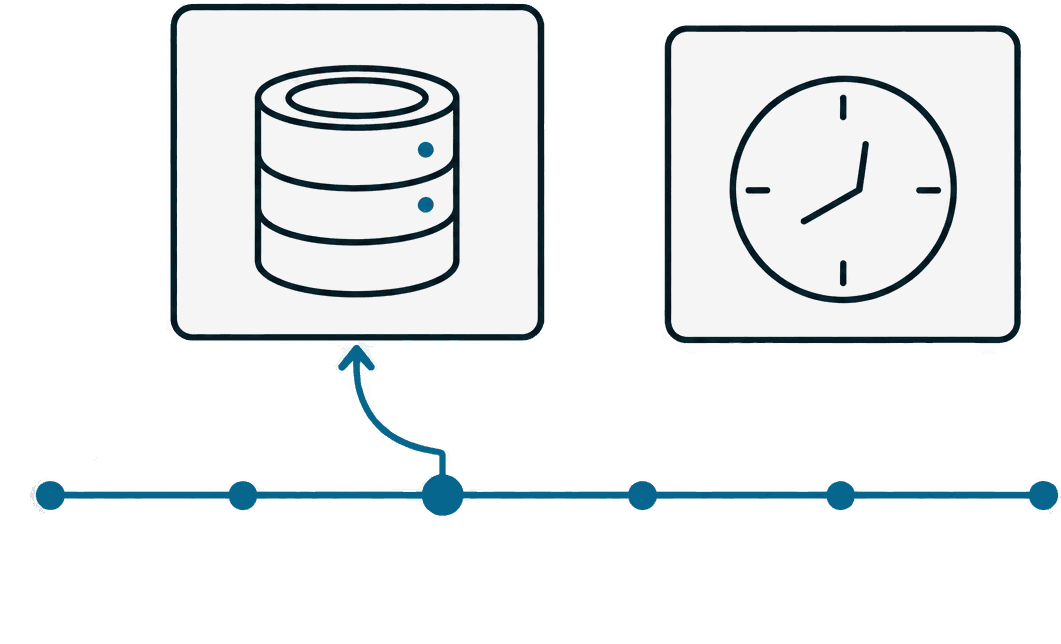
With no requests coming in, your app stops running and starts again on the next one. Your data and settings stay exactly as they were.
Every hour a snapshot is encrypted and kept. Pick a point in time in the dashboard to restore your data.
envNo connection strings or API keys to configure. Reach them through env, with the frameworks and ORMs you already use.
env APIimport { Pool } from "@runlot/pg";
import { env } from "@runlot/next";
export default async function PostsPage() {
const user = await env.auth.user();
const db = new Pool({ db: env.db });
const { rows } = await db.query(
"select id, title from posts where owner = $1 limit 20",
[user.id],
);
return (
<ul>
{rows.map((p) => <li key={p.id}>{p.title}</li>)}
</ul>
);
}The things you used to configure and operate service by service live inside one project.
| runlot | Cloudflare | Vercel | Supabase | |
|---|---|---|---|---|
| App hosting | Yes | Yes | Yes | No |
| Next.js | Yes | Needs an adapter | Yes | No |
| Database | Real PostgreSQL | SQLite (D1) | Bring your own | PostgreSQL |
| Login · files | Yes | Partial | Partial | Yes |
| While idle | $0 · wakes itself | $0 | $0 | Paused after 7 days · manual restore |
| Fixed cost per project | None | None | Per seat | An instance per project |
| Services to run | One | Two or more | Two or more | Two or more |
Compiled from each service's public documentation and pricing pages. Tell us if something has changed.
AI coding tools made building an internal tool easy. Deploying it still means asking someone. On runlot, who built it and what data it touches is attached from the start — so there is nothing left to explain to your security team.
Create an organization and invite people. Admin, member, and viewer roles decide who deploys and who only looks. SSO with your company account connects as it is.
Set project access to organization members only and nobody else reaches it. The check runs before your app code does, so you do not rebuild a login screen per app.
Dozens of internal tools, each with its own PostgreSQL. Which data sits where is answered by the project list.
Deploys and rollbacks, membership changes, secrets and database work all land in the organization audit log. Search it by person, project, or date, and export it when you need to.
Require an admin to approve what goes to production. Deploying itself is never blocked — you still get a preview — only the moment it reaches real users.
Every project has an owner. When a member leaves the organization, their projects get handed to someone else, and anything left without an owner shows up in the list — so no service keeps running quietly.
Organization usage is broken out by project and owner, and lands on the invoice that way. If your data cannot leave the company, we also install runlot on your own infrastructure.
Talk to us about teamsNothing is charged within the free plan — not even with a card on file.
Enough for personal work and side projects.
For running what you built on your own domain.
For companies where several people ship internal tools.
On the free plan it never turns into a bill. Requests stop for the rest of that day and open again the next one. On Pro, only usage above what is included is billed, and a monthly spending limit is on by default so it cannot climb past it. We tell you before you get close.
Yes. Run runlot deploy from your existing repository. It recognises the framework and writes the configuration it needs. For the database, a pg_dump file loads straight in.
Yes. It is standard PostgreSQL, so pg_dump works as it always does, and file storage downloads in one go from the dashboard or the CLI. Nothing is kept in a format that locks you in.
Seoul, for now — one region. Your app and your database sit in the same place, so a database call never crosses a network. We will announce other regions as they open.